Arduino Cuckoo Clock
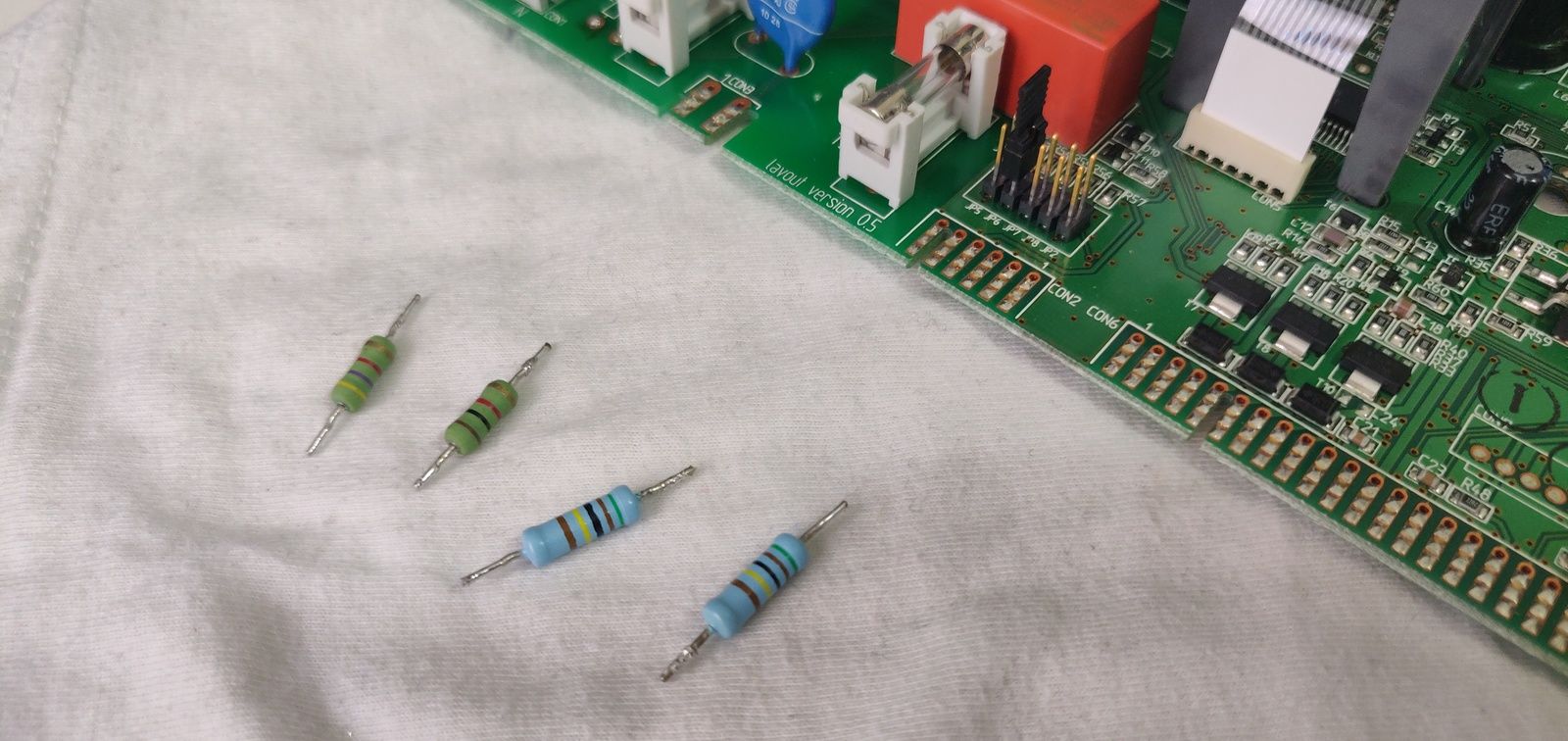
Table of Contents
WARNING! TIME-DIMENSIONAL RIFT!
This is an old article, information may be outdated and/or quite cringe, proceed at your own risk!
Quarantine time. That means a lot of free time! Does it? Ehw no, procrastination took it away…
One thing that seems to stop me from throwing hours at Reddit comments, YouTube videos or rabbitholing Wikipedia is acknowledging that time is passing, in a Pomodor-esque way, by setting an alarm going off every half an hour.
The fact is, that’s not actually crafted for that reason, and therefore not so convenient. And I like the idea of something singing every hour or so, just like, just like.. Oh yes! What if I solve this problem in the most convolut-ehm elegant (?) way by creating a bare-simple cuckoo clock?
Why? Well, why not!
How? Dang it, you’re making this difficult, don’t you?
An Arduino Uno, laying around, will be heart and bones. We just need vocal cords. Being in the pandemy we are in, I forced myself to use the strictly necessary and taking it from around the house, just to make this more exciting (and make it possibile to finish it before the end of the century…)
So I managed to steal a speaker from one of my computers, a bit extreme but functional nonetheless.
Now comes the difficult: how can I attach the two? How can I pilot it with an Arduino? Where and how do I read the time? It is able to do this stuff? Never done before, never thought before about that, therefore I like it!
Internet comes to the rescue, and… yes, maybe, forse? To Hell, it can be done! Let’s try it out!
Vocal prodigy#
As I read while looking for a way to emit sound on an Arduino, which is capable of beyond my previous expectations (an Arduino Uno, with its 16Mhz UC, using this tone library I found is capable of three simultaneous tones at a maximum frequency of 8MHz, and we can hear maximum ~20kHz, so, wow) it is necessary to put a resistor in series of a speaker or equivalent, in order not to fry the board.
I therefore scavenged some resistors and also a few wires from a old and broken water heater board, to make the connections.
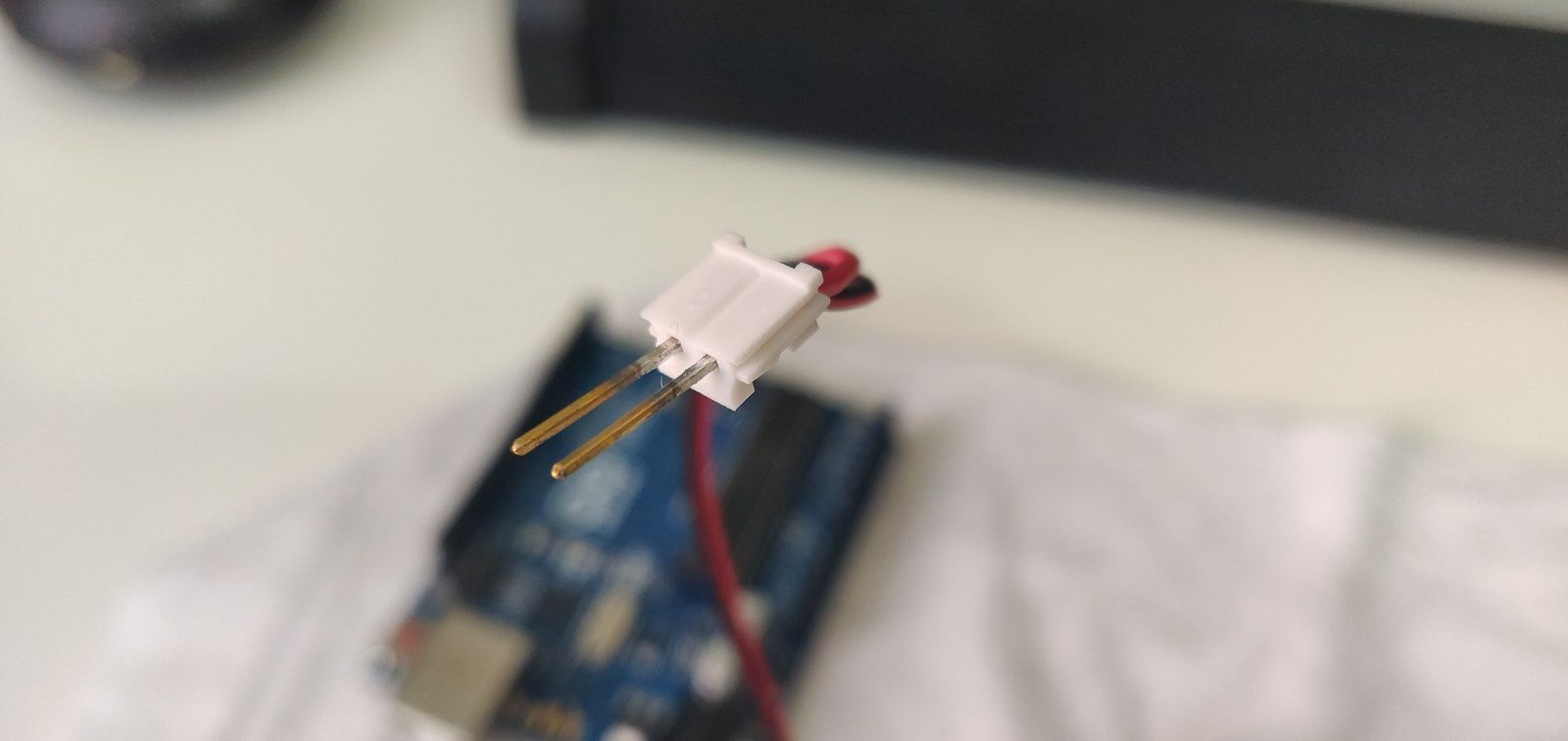
Hack-ish way to connect two male connectors: desolder socket pins and throw directly in pinholes. Arduino waits in the background.
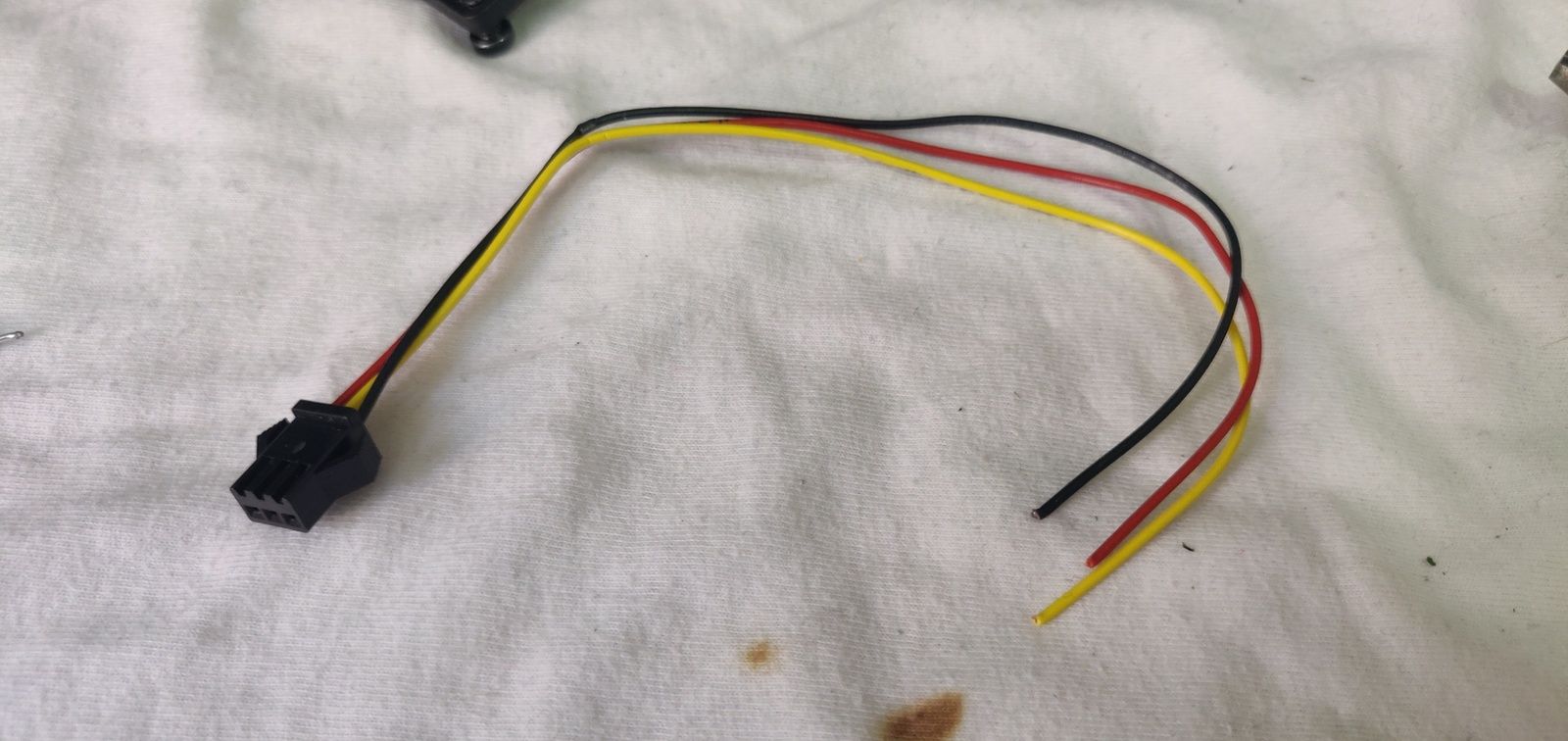
These wires will make easier to connect a thing not intended to be wired up to an Arduino
With the tone library I made some tests and found out… the resistors were useless. The speaker has a high resistance, as I later checked, it can be heard quite well without resistor and it doesn’t take too much current, so, sold!
To test it, I wrote a bunch of simple code to produce three tones in succession. I imported the Tones library I found earlier from Tools > Library, and following the GitHub page, I included the Tone.h file and used the Tone object.
#include <Tone.h>
#define SPEAKER_PIN 8

Tone t1;

void setup() {
  //Tone setup
  t1.begin(SPEAKER_PIN);
}

void loop() {
  t1.play(NOTE_C4, 1000);
  //NOTE_xy are pre-defined constants in the library

  delay(1000);
  //Otherwise only the last play() is produced

  t1.play(NOTE_D4, 1000);

  delay(2000);
}
I played with more tones on a single pin, but the result were quite obnoxious, so I decided to stick with monophonic sounds. Ah, pre-2000 mobile phones memories!
Now, for this part at least, it is just a matter of deciding a melody to produce every hour and to throw it in a function, nothing more.
All in sync#
The other problem is time management: I don’t have an external real time clock signal or similar, so I need another way to get a decent source of time to use in Arduino without relying on a hand-crafted millis()-based bunch of spaghetti code. I prefer my spaghetti on a dish, not in an IDE (?)
Going through the several pages and following the rollercoaster that is the hystory of the Time library on Arduino, I found a reference to the TimeSerial example. Let’s give it a try. I could’t find the library “Time by Michael Margolis” in the Manager, so I downloaded it from here and added manually in the IDE (Sketch > Include Library > Add .ZIP File, or just find the Arduino folder, usually in Documents, and throw the unzipped library inside the folder “libraries”).
The example I finally found (Examples > Time > TimeSerial) is pretty good, and it’s working! Just writing the time in the format T + UNIX time, the board updates itself and start counting the time. That’s far from perfect, the update is manual, but it is a nice start.
I just added an adjustTime() call after the time setup, to bring the time in my fuse. adjustTime() is a library function that takes a certain number of seconds and adds them to the time it mantains internally, apparently, as the documentation tells very little about that. I just assumed its inner working, tried and, well, it worked.
Cuckoo, assemble!#
Let’s then combine the time code into our project, and see what comes out
//Tone
#include <Tone.h>
#define SPEAKER_PIN 8
Tone t1;

//Time
#include <TimeLib.h>
#define TIME_HEADER  "T"   // Header tag for serial time sync message
#define TIME_REQUEST  7    // ASCII bell character requests a time sync message
#define UTCPlus2 7200

void setup() {
  // Tone setup
  t1.begin(SPEAKER_PIN);

  //Time
  Serial.begin(9600);
  pinMode(13, OUTPUT);
  setSyncProvider(requestSync);  //set function to call when sync (every 5min)
  Serial.println("Waiting for sync message");

  //Test
  playHourTune();
  delay(1000);
  playHalfTune();
  delay(1000);
  playQuarterTune();
}

void loop() {
  if (Serial.available()) {
    processSyncMessage();
  }
  if (timeStatus() == timeSet) {
    digitalWrite(13, HIGH); // LED on if synced
  } else {
    digitalWrite(13, LOW);  // LED off if needs refresh
  }

  delay(1000); //Got a problem here, I'll discuss later

  //Cuckoo
  if(minute() == 0 && second() == 0) { //Every :00
    playHourTune();
  }
  if(minute() == 15 && second() == 0) { //Every :15
    playQuarterTune();
  }
  if(minute() == 30 && second() == 0) { //Every :30
    playHalfTune();
  }
  if(minute() == 45 && second() == 0) { //Every :45
    playQuarterTune();
  }
}

//############## Tones #################

void playHourTune() {
  int len = 1000/5;
  t1.play(NOTE_C4, len);
  delay(len*1.3);
  t1.play(NOTE_C4, len*0.8);
  delay(len*0.8);
  t1.play(NOTE_A4, len*0.8);
  delay(len*1.3);
  t1.play(NOTE_F4, len*2);
}

void playHalfTune() {
  int len = 1000/5;
  t1.play(NOTE_C4, len);
  delay(len*1.2);
  t1.play(NOTE_E4, len*1.2);
  delay(len*1.4);
  t1.play(NOTE_F4, len*1.2);
}

void playQuarterTune() {
  int len = 1000/5;
  t1.play(NOTE_C4, len*0.8);
  delay(len*0.9);
  t1.play(NOTE_F4, len*0.8);
}

//############## Time #################

void digitalClockDisplay(){
  // digital clock display of the time
  Serial.print(hour());
  printDigits(minute());
  printDigits(second());
  Serial.print(" ");
  Serial.print(day());
  Serial.print(" ");
  Serial.print(month());
  Serial.print(" ");
  Serial.print(year());
  Serial.println();
}

void printDigits(int digits){
  // utility function for digital clock display: prints preceding colon and leading 0
  Serial.print(":");
  if(digits < 10)
    Serial.print('0');
  Serial.print(digits);
}

void processSyncMessage() {
  unsigned long pctime;
  const unsigned long DEFAULT_TIME = 1357041600; // Jan 1 2013

  if(Serial.find(TIME_HEADER)) {
     pctime = Serial.parseInt();
     if(pctime >= DEFAULT_TIME) { // check the integer is a valid time (greater than Jan 1 2013)
       setTime(pctime); // Sync Arduino clock to the time received on the serial port
       adjustTime(UTCPlus2);
       digitalClockDisplay();
     }
  }
}

//Called regularly when the board require a sync
//Defaults every 5min, can be adjusted with setSyncInterval()
time_t requestSync() {
  Serial.write(TIME_REQUEST);
  return 0; // the time will be sent later in response to serial mesg
}
Break-in#
I beamed up the sketch to the Arduino, and set up the current hour with the serial console in the IDE. All up and running!
During the first day I noticed a slow but steady drift of the hour, of something around a few minutes a day. I decided not to bother setting up the time every time at hand, but instead to go straight to plan B and write a little Python script able to keep the time right.
The Time library on the Arduino periodically (every 5min by default, at least as I have experimented) requires an update from different sources (setSyncProvider()). One of these is basically a function (here processSyncMessage()) called to let it handle the dirty job.
In my case the board sends on the serial connection a bell character (ASCII and Unicode value 7), so I wrote the Python script to intercept this char and send up the current time in the format ‘T’ + the current UNIX timestamp.
import serial
import time

ser = serial.Serial('COM3', 9800, timeout=1)
print(ser.read(1)) #Bell
print(ser.read(50)) #Intro message
ser.write(str.encode('T' + str(int(time.time())))) #First setup
print(ser.read(50)) #Check

while(True):
    byteread = ser.read(25)
    print(byteread)
    if(byteread == b'\x07'):
        #board is asking for time update, send
        ser.write(str.encode('T' + str(int(time.time())))) #'T' + UNIX time, conversion in UTC+2 is made on-board

    time.sleep(10) #10 sec
Something does not count up…#
After some days of use, I got the impression that sometimes the code simply jumped a stroke and went straight to ring half an hour after the previous time.
Needs to check the code!
void loop() {
  if (Serial.available()) {
    ...sync stuff...
  }

  delay(1000);

  if(minute() == 0 && second() == 0) { //Every :00
	...time and tones stuff...
  }
}
Here’s an excerpt of the loop function. The problem is, if the loop is delayed by 1 second, and the rest of the function takes more than 0 milliseconds (and, well, that’s always the case), then we’re checking a condition that perdure for 1 second every 1 second and some more, and therefore we might loose some strokes. Rookie mistake here.
Solution? We can lower the delay, checking more often the current time, and add a delay in the ifs just to be sure we don’t enter twice in a row in the same branch.
void loop() {
  if (Serial.available()) {
    ...sync stuff...
  }

  delay(750); //Should be a good compromise

  if(minute() == 0 && second() == 0) { //Every :00
	...time and tones stuff...
	delay(10000); //Whatever big you like, just less that 15 minutes (!!)
  }
}
Since this edit (and helped by some debug lines sent to the Python script) I kept under control the board, and the issue did not came back, so I consider it a success 🎉.
I liked this little project, I revived an Arduino board and my more electrical inclination with it, and I might keep on looking at other little side projects in this area with just a bit more of faith in being able to obtain something actually working.
This project is far from finished and the antipode of polished, and I might find a way to improve it, find an enclosure, find a source of energy that is not a USB port, sync the time without an entire computer with a Python script, but until then, this is all folks 🙂